Generate an Arduino Portenta X8 image with the Axelera Metis driver
From Voyager SDK v1.7 onward, to update to a newer version (including the Axelera Metis driver) you need to generate the Arduino Portenta X8 image using the Yocto-based Portenta X8 BSP with the meta-axelera layer.
Once you have built the image, you can obtain the newly compiled Axelera Metis driver for the corresponding SDK version.
To build the Portenta X8 image, follow Arduino's documentation, available from the Arduino docs hub and on GitHub:
- https://docs.arduino.cc/tutorials/portenta-x8/image-building/
- https://github.com/arduino/meta-arduino
The key step in generating the Axelera Metis driver is to include the meta-axelera layer before building the Portenta X8 image:
- The Arduino Portenta X8 BSP is based on the Scarthgap Yocto release (see meta-arduino).
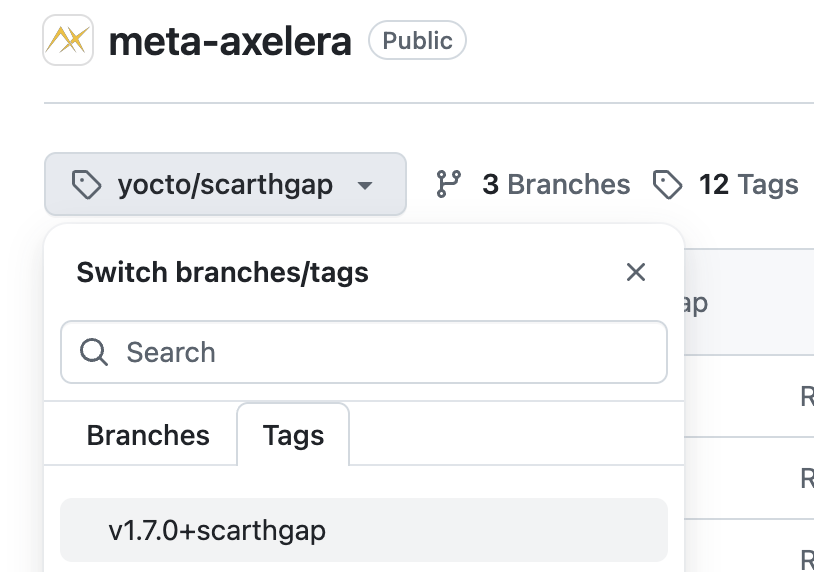
- Pick the meta-axelera tag that matches both your Voyager SDK version and Scarthgap.
-
For example, for Voyager SDK v1.7, clone meta-axelera and check out the v1.7.0+scarthgap tag:
-
- Follow the README in meta-axelera for how to add the meta-axelera layer to a Yocto-based BSP.
- Build the Portenta X8 Yocto image with the meta-axelera layer.
- After a successful build, the Metis driver (kernel module) will be in:
build/tmp/work/<machine>-poky-linux/axelera-driver/<version>/
- The complete image will be in:
build/tmp/deploy/images/<machine>/